The Ryzen 7 3700X remains a popular processor among PC enthusiasts thanks to its impressive balance of performance, efficiency, and overclocking flexibility. Built on AMD’s 7nm Zen 2 architecture and featuring 8 cores and 16 threads, it delivers excellent multi-threaded power for gaming, content creation, and productivity tasks. While AMD’s Precision Boost technology already pushes the chip intelligently, many users look to manual overclocking to extract additional performance. However, achieving safe overclock settings requires careful attention to clock speeds, voltages, cooling, and stability testing.
TLDR: The Ryzen 7 3700X typically achieves safe all-core overclocks between 4.2 GHz and 4.3 GHz at voltages around 1.25V to 1.325V, depending on silicon quality and cooling. Staying below 1.35V for daily use is strongly recommended to avoid long-term degradation. Stability testing with tools like Prime95, AIDA64, and Cinebench is essential. Proper cooling and conservative tuning ensure a stable and long-lasting overclock.
Understanding the Ryzen 7 3700X’s Baseline Performance
Before attempting manual overclocking, it is important to understand how the 3700X behaves out of the box. The processor features a 3.6 GHz base clock and a 4.4 GHz maximum boost clock. Thanks to AMD’s Precision Boost 2, individual cores dynamically adjust frequency depending on workload, thermals, and power limits.
In many real-world scenarios, Precision Boost already delivers strong single-core performance while keeping voltages optimized automatically. Manual overclocking, especially all-core, may sometimes reduce single-core peak boosts in exchange for higher sustained multi-core performance.
Recommended Safe Overclock Settings
1. Safe All-Core Clock Speeds
Most Ryzen 7 3700X processors can reliably reach:
- 4.2 GHz on all cores (very common and safe)
- 4.25 GHz on good silicon samples
- 4.3 GHz on strong samples with excellent cooling
Anything beyond 4.3 GHz all-core is relatively rare without significant voltage increases that may not be safe for 24/7 daily use.
2. Recommended Voltage Range
Voltage management is the most critical aspect of safe overclocking. For long-term reliability:
- 1.25V – 1.30V: Ideal range for daily use
- 1.325V: Upper edge of typical safe daily voltage
- 1.35V and above: Not recommended for continuous daily workloads
Although Ryzen CPUs may briefly spike beyond 1.4V under stock boosting behavior, those spikes differ from sustained manual voltage. Continuous high manual voltage increases the risk of silicon degradation.
Important: Long-term daily systems should aim to stay at or below 1.325V under load.
Cooling Requirements for Stability
Cooling directly affects both achievable clocks and silicon longevity. The Ryzen 7 3700X includes the Wraith Prism cooler, which may handle mild overclocks around 4.1–4.2 GHz. However, for higher and more stable overclocks, upgraded cooling is strongly recommended.
Recommended Cooling Solutions
- High-end air coolers (Noctua NH-D15, be quiet! Dark Rock Pro)
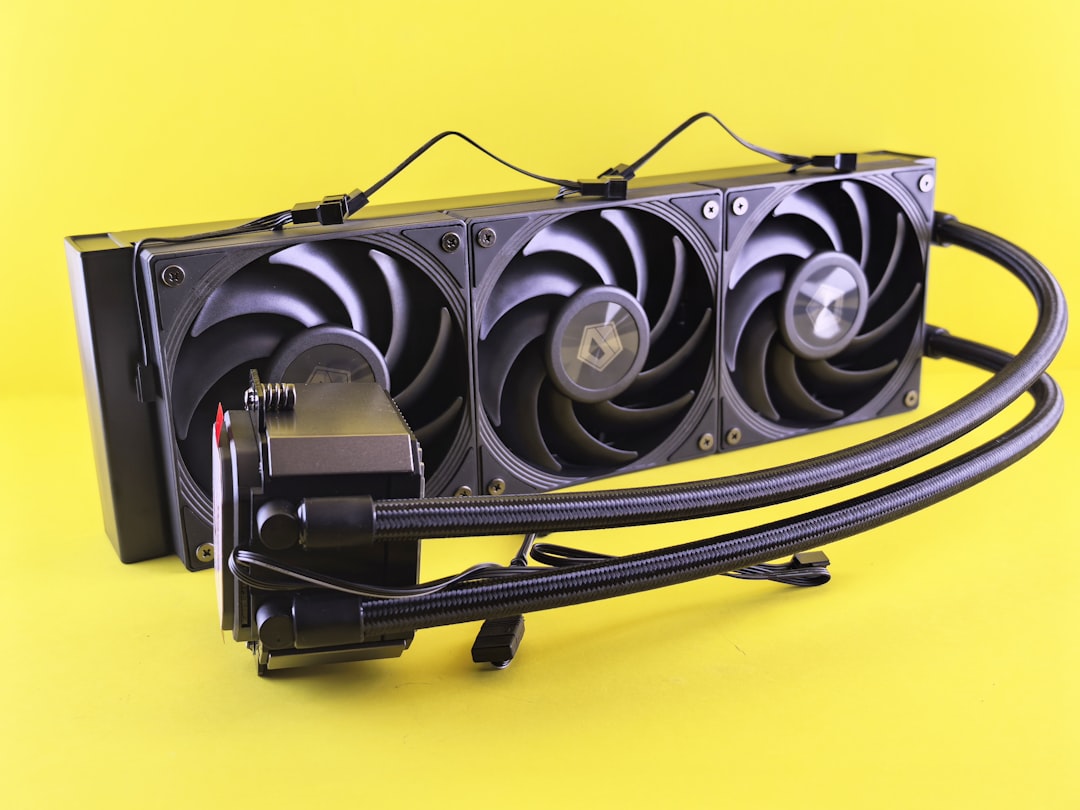
- 240mm or 280mm AIO liquid coolers
- Proper case airflow with at least two intake and one exhaust fan
Under full load stress testing:
- Below 75°C: Excellent
- 75–85°C: Acceptable
- Above 85°C: Reduce voltage or improve cooling
Step-By-Step Safe Overclocking Approach
Step 1: Update BIOS
Ensure the motherboard is running the latest BIOS to improve voltage handling and stability.
Step 2: Set Manual Multiplier
Start with 42x multiplier (4.2 GHz) on all cores.
Step 3: Set Manual Voltage
Begin at 1.25V fixed voltage. If unstable, increase in small increments (0.0125V steps).
Step 4: Disable Automatic Overclocking Conflicts
Disable Precision Boost Overdrive (PBO) when testing manual overclocks to avoid conflicts.
Step 5: Stress Test
Test stability rigorously before increasing clocks further.
Best Stability Testing Tools
Stress testing ensures the CPU can handle prolonged heavy workloads. Below is a comparison chart of commonly used tools:
| Tool | Best For | Intensity Level | Recommended Test Duration |
|---|---|---|---|
| Prime95 (Small FFTs) | Maximum CPU stress | Very High | 1–2 hours minimum |
| AIDA64 | Balanced stress test | Moderate to High | 1 hour |
| Cinebench R23 Loop | Real-world rendering load | Moderate | 10–30 minutes loop |
| OCCT | Error detection and monitoring | High | 1 hour |
For daily system confidence, a combination of Prime95 and Cinebench testing is ideal.
Precision Boost Overdrive (PBO) vs Manual Overclocking
Some users achieve better real-world performance using Precision Boost Overdrive instead of manual all-core overclocking.
Manual Overclock Advantages
- Consistent all-core frequency
- Predictable voltage behavior
- Strong performance in rendering workloads
PBO Advantages
- Maintains higher single-core boost
- Safer dynamic voltage scaling
- Less manual tuning required
For gaming-focused systems, PBO often delivers comparable or better results while maintaining safer voltage behavior.
Signs of Instability
Instability can manifest in several ways:
- System freezes under load
- Blue screen errors (WHEA errors)
- Random reboots
- Application crashes
- Calculation errors in stress tests
If any of these occur:
- Increase voltage slightly, OR
- Reduce clock speed by 25–50 MHz
- Improve cooling solution
Long-Term CPU Health Considerations
Overclocking always carries some level of risk. To minimize degradation:
- Keep load voltages below 1.325V
- Keep temperatures under 85°C
- Avoid unnecessary synthetic stress for extended durations
- Use Load-Line Calibration (LLC) moderately (medium settings recommended)
Silicon quality varies significantly (often called the “silicon lottery”). Some chips may hit 4.3 GHz at low voltage, while others struggle past 4.2 GHz. Stability should always take priority over marginal performance gains.
Realistic Performance Expectations
A safe all-core overclock from stock to 4.2–4.3 GHz typically provides:
- 3–6% improvement in multi-threaded productivity workloads
- Minimal gains in single-threaded performance
- Slight FPS improvements in CPU-bound games
Users should evaluate whether the thermal and power trade-offs justify the modest gains, particularly when Precision Boost already performs efficiently.
Conclusion
The Ryzen 7 3700X remains a capable and flexible processor that responds well to moderate, carefully tuned overclocking. Safe daily overclocks usually fall between 4.2 GHz and 4.3 GHz at 1.25V to 1.325V, provided adequate cooling is in place. However, pushing voltage beyond 1.35V for extended use increases the risk of long-term degradation.
For many users, enabling Precision Boost Overdrive and refining cooling may provide the best balance of performance and safety. Ultimately, stability testing, conservative voltage management, and proper thermal control define a successful overclock.
Frequently Asked Questions (FAQ)
1. What is the safest voltage for Ryzen 7 3700X daily use?
For long-term daily operation, it is safest to stay at or below 1.325V under sustained load. Lower voltages around 1.25V–1.30V are ideal when possible.
2. Is 4.3 GHz safe for the Ryzen 7 3700X?
Yes, 4.3 GHz can be safe if achieved at reasonable voltage (1.325V or lower) and with strong cooling. Not all chips can reach this frequency reliably.
3. Should PBO be used instead of manual overclocking?
For gaming and general mixed workloads, PBO often provides better automatic boosting behavior with safer voltage scaling. Manual overclocking benefits heavily multi-threaded workloads more consistently.
4. What temperature is too high for Ryzen 7 3700X?
Temperatures consistently above 85°C under load are considered high and should be addressed with better cooling or reduced voltage.
5. Does overclocking void the warranty?
Generally, yes. Manual overclocking technically voids AMD’s standard warranty, though enforcement varies.
6. How long should stability testing last?
At minimum, one hour of heavy stress testing is recommended. For maximum confidence, 4–8 hours of mixed stress testing provides strong validation of stability.