
Immich is a self-hosted photo and video backup platform, often compared to private cloud photo libraries. When people search for the Immich root login, they are usually trying to find the highest-level account, the first administrator account, or a way to access the underlying server or container. In Immich, however, the term root login can be misleading because the application does not provide a traditional default “root” user in the way some systems do.
TLDR: Immich does not have a universal default root login or factory-made root password. The first user created after installation normally becomes the main administrator account. Access is handled through the Immich web interface, while deeper system access depends on the hosting environment, such as Docker, Linux, or a NAS. If login access is lost, recovery usually involves checking the database, environment configuration, or server deployment rather than using a hidden root account.
What Does “Immich Root Login” Mean?
The phrase Immich root login is not an official Immich feature name. Instead, it usually refers to one of several different things. A person may mean the first administrator user inside Immich, the Linux root account on the host server, a Docker container shell, or database-level access to the Immich PostgreSQL database.
This distinction matters because each type of access has a different purpose and risk level. The Immich web administrator can manage users, libraries, jobs, and settings inside the application. The server root user can change files, restart containers, edit configuration files, or damage the installation if used carelessly. A database administrator can directly inspect or change stored data, which is powerful but risky.
In most cases, when someone asks how to access the Immich root login, they are actually looking for the Immich admin account. This is the account created during the initial setup process, and it has the highest level of permission within the Immich application itself.

Does Immich Have a Default Root Username and Password?
Immich does not provide a public default root username and password. This is an important security design choice. Applications that ship with default credentials are frequently attacked because those credentials are easy to guess or find online.
Instead, after Immich is deployed and the web interface becomes available, the first account registration process is used to create the initial administrator. That first account is typically granted administrative privileges. Afterward, additional users can be invited or created depending on the configured settings and version of Immich.
Because there is no built-in universal root credential, an administrator should be cautious of any guide or forum post claiming that Immich has a standard default login such as admin/admin, root/root, or a hidden password. Such advice is usually outdated, incorrect, or unsafe.
How the First Immich Admin Account Is Created
After a fresh Immich installation, the web interface is opened in a browser using the server address and port configured during deployment. In a typical Docker Compose setup, this may be something like http://server-ip:2283, although the exact address depends on the reverse proxy, domain name, network, and port mapping.
During the initial setup, Immich allows the first user to register. This account becomes the main administrator. The administrator should use a strong email address and password combination because this account controls important application-level settings.
- Web access: The Immich application is usually reached through a browser.
- First registration: The first created account normally becomes the administrator.
- No default password: The administrator defines credentials during setup.
- Further users: Additional accounts can be managed from inside the admin interface.
If Immich is placed behind a reverse proxy such as Nginx Proxy Manager, Traefik, Caddy, or Nginx, the administrator may access it through a domain such as https://photos.example.com. In that case, the login page is still the same Immich interface, but the traffic is routed through the proxy.
How an Administrator Accesses the Immich Admin Area
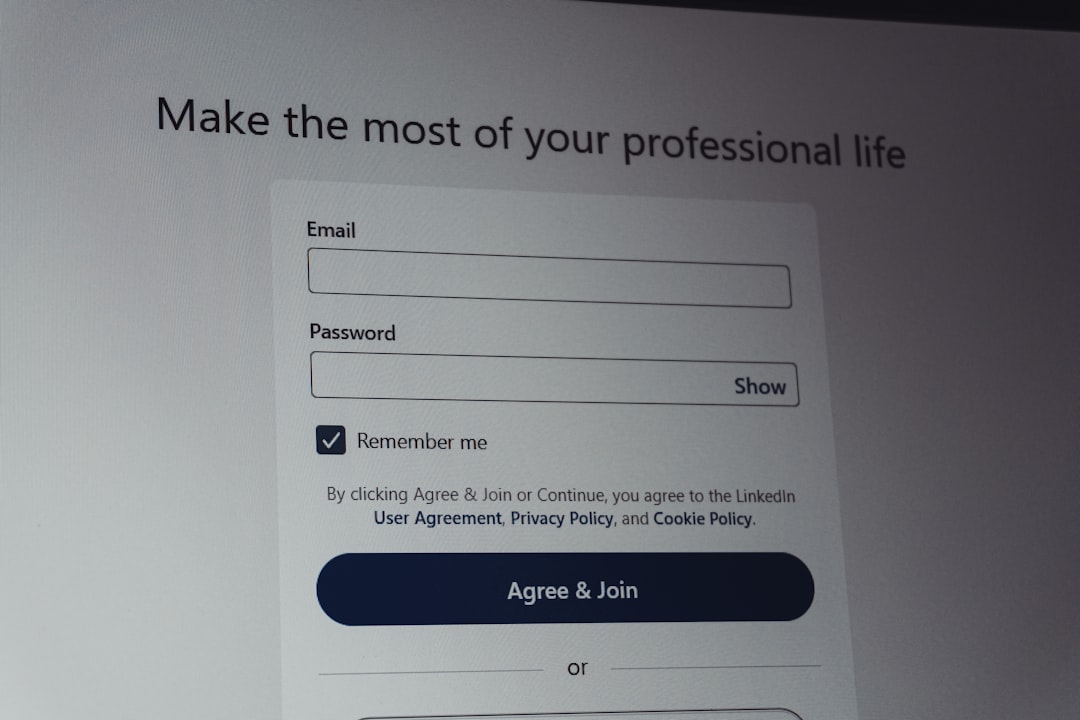
Once the first administrator account exists, access is straightforward. The administrator visits the Immich URL, enters the registered email address and password, and signs in. After logging in, the admin area can be reached through the user interface, usually by selecting the account menu or administration section.
Inside the admin area, the administrator may find tools and settings related to:
- User management, including creating, disabling, or reviewing user accounts.
- Server settings, depending on the installed Immich version.
- Jobs and background tasks, such as thumbnails, metadata extraction, and machine learning jobs.
- Storage and libraries, including external library configuration when supported.
- System information, such as version details and service status.
This admin account is the closest equivalent to an “Immich root login” inside the application. However, it should not be confused with operating system root access.
Immich Root Access Versus Server Root Access
There is a major difference between Immich admin access and server root access. Immich admin access controls the application. Server root access controls the computer or virtual machine running Immich.
For example, a Linux root user or a user with sudo privileges can edit Docker Compose files, view logs, restart services, update containers, change file permissions, and access mounted volumes. This is far more powerful than logging into the Immich web interface.
In a Docker deployment, the server administrator may run commands from the directory containing the Immich Docker Compose file. Common administrative actions may include checking containers, viewing logs, and restarting services. The exact commands vary by installation, but examples often resemble:
docker compose ps
docker compose logs
docker compose restart
If a shell inside a container is needed for troubleshooting, an administrator may use a Docker command to enter the relevant container. However, this should be done carefully. Directly changing files inside containers is usually not persistent and may be overwritten when containers are recreated or updated.
Accessing Immich Through Docker or Docker Compose
Many Immich installations run with Docker Compose. In this model, Immich is split into several services, commonly including the server, machine learning service, Redis, and PostgreSQL. The administrator does not normally log into these services through the Immich web login. Instead, Docker manages them.
When troubleshooting access problems, the server administrator may inspect whether all containers are running. If the Immich web page is unavailable, the issue may not be a login problem at all. It may be a container, network, port, database, or reverse proxy issue.
Useful areas to check include:
- Container status: Whether Immich services are running or restarting repeatedly.
- Port mapping: Whether the web interface port is exposed correctly.
- Environment variables: Whether the deployment has correct database, Redis, and upload path settings.
- Reverse proxy rules: Whether the domain points to the correct internal service and port.
- Storage mounts: Whether uploaded photos and videos are stored in the expected location.
These tasks require server administration access, not an Immich root login. On a NAS, this access may be handled through the NAS interface. On a Linux server, it may require SSH access with a privileged account.
What If the Immich Admin Password Is Forgotten?
If the administrator forgets the Immich password, there is no simple universal root login to bypass the account. Recovery depends on how the particular Immich version and deployment are configured. If password reset features are available and properly configured, the administrator may use them. If email delivery is not configured, reset links may not work as expected.
In more advanced situations, recovery may involve database-level changes or official Immich maintenance commands, depending on the version. Because Immich changes over time, administrators should consult the official Immich documentation for the version they are running before editing anything directly.
Direct database editing should be treated as a last resort. The administrator should create backups before making changes. Altering users, authentication methods, or password fields incorrectly may lock users out or damage the installation.
Security Best Practices for Immich Admin Access
Because Immich stores personal photos and videos, the administrator account is highly sensitive. It should be protected like any other important private cloud account. A weak administrator password can expose an entire photo library.
Good practices include:
- Use a strong password: A long, unique password stored in a password manager is recommended.
- Keep Immich updated: Updates often include bug fixes, security improvements, and database migrations.
- Limit public exposure: If remote access is needed, it should be protected with HTTPS and careful proxy configuration.
- Use backups: Back up both uploaded media and the database, since one without the other may be incomplete.
- Restrict server access: SSH, Docker, and NAS administration should be available only to trusted users.
- Review users regularly: Disabled or unused accounts should be removed or restricted.
When Immich is exposed to the internet, HTTPS is especially important. A reverse proxy with valid TLS certificates helps protect login credentials while they travel between the browser and server. Some administrators also place Immich behind a VPN for additional privacy.
Common Misunderstandings About the Immich Root Login
One common misunderstanding is that Immich must have a hidden root account because it is a server application. In reality, Immich uses application users, and the first user generally becomes the administrator. There is no need for a separate default root identity inside the web interface.
Another misunderstanding is that logging into the Docker container will grant access to the Immich web admin panel. It will not. Container shell access is useful for diagnostics, but it does not replace an application login.
A third misunderstanding is that deleting and recreating containers will reset the administrator account. In a properly configured Docker deployment, important data is stored in persistent volumes and databases. Recreating containers usually does not erase user accounts unless the database volume is also removed, which can cause serious data loss.
Conclusion
The Immich root login is best understood as a mistaken or informal term. Immich does not provide a universal root username and password. The closest equivalent is the first administrator account created during the initial setup, which is used to manage users and application settings through the web interface.
For deeper maintenance, administrators must use server-level access, such as SSH, Docker Compose, NAS tools, or database administration. These methods are separate from the Immich login page and should be used carefully. Proper backups, strong credentials, and regular updates are the safest way to maintain reliable access to an Immich installation.
FAQ
Does Immich have a default root login?
No. Immich does not have a universal default root username or password. The first user created during setup generally becomes the administrator.
Is the first Immich user the admin?
In a fresh installation, the first registered user is normally granted administrator privileges. This account is used to manage Immich from the web interface.
How is Immich accessed after installation?
An administrator accesses Immich by opening the configured server address or domain in a browser, then signing in with the registered account email and password.
Can server root access replace the Immich admin login?
No. Server root access can manage files, containers, and configuration, but it does not automatically log a person into the Immich web interface.
What should be done if the Immich admin password is forgotten?
The administrator should use any available password reset feature, check the official documentation for the installed version, and avoid direct database edits unless a backup exists.
Can deleting Immich containers reset the login?
Usually not. If the database is stored in a persistent volume, user accounts remain after containers are recreated. Removing database volumes may cause data loss.
Is it safe to expose Immich to the internet?
It can be done, but it should be handled carefully with HTTPS, strong passwords, updates, and ideally additional protections such as a VPN or secure reverse proxy configuration.