In an age where social media drives brand awareness, community engagement, and online presence, using the right tools to manage and automate platforms is crucial. SocialPilot is one such powerful tool designed to streamline social media marketing for businesses, marketing teams, freelancers, and agencies. It offers a wide range of features that cater to scheduling, publishing, analytics, and team collaboration. But how exactly does it work, and why is it growing in popularity?
TL;DR (Too Long; Didn’t Read)
SocialPilot is a social media management tool designed for professionals and teams to streamline content creation, scheduling, analytics, and collaboration across social platforms. It supports networks like Facebook, Twitter, LinkedIn, Instagram, TikTok, and more. With a clean interface and affordable pricing, SocialPilot helps users maximize their social strategy while reducing manual effort. From post scheduling to white-label solutions, it’s built to scale with any business’s social media needs.
What Is SocialPilot?
SocialPilot is a cloud-based social media management platform that empowers users to manage multiple social accounts from a central dashboard. It primarily caters to small and medium-sized businesses (SMBs), social media professionals, and digital marketing agencies. With support for major networks like Facebook, Instagram, Twitter, LinkedIn, Pinterest, Google My Business, and TikTok, the platform enables users to craft, schedule, analyze, and collaborate on social campaigns efficiently.
Developed with simplicity and scalability in mind, SocialPilot aims to provide enterprise-level capabilities at a fraction of the price offered by larger competitors like Hootsuite or Buffer. This makes it especially appealing for startups and agencies juggling multiple clients and accounts.
How Does SocialPilot Work?
SocialPilot works by offering a well-integrated workflow for content management, scheduling, and performance tracking on social platforms. Let’s explore how its key features collectively support digital marketing goals:
1. Account Integration
First, users need to connect their social accounts. SocialPilot supports the connection of over 50 social media profiles depending on your subscription plan. Each account can be authenticated securely, allowing users to manage pages or profiles from a single dashboard.
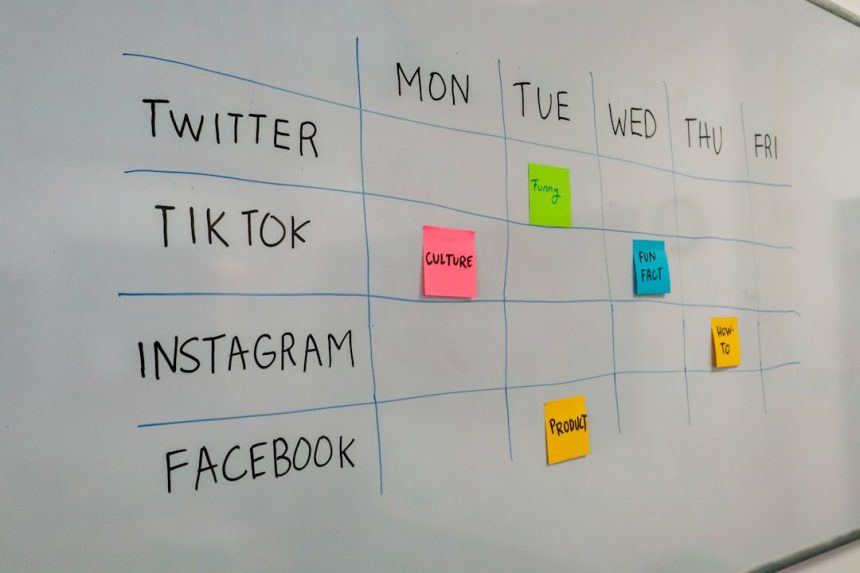
2. Post Scheduling and Publishing
One of SocialPilot’s core functionalities is post scheduling. Users can:
- Create posts with text, images, videos, links, and hashtags.
- Schedule content days or weeks in advance for each connected account.
- Use the drag-and-drop calendar to rearrange scheduled posts visually.
- Create recurring posts or reuse evergreen content with the content queue feature.
This removes the hassle of manual posting and ensures consistent brand messaging across time zones and social platforms.
3. Content Curation
SocialPilot allows users to curate content from RSS feeds, trending topics, or custom keyword-based searches. This can be shared directly or added to the queue. It also provides suggestions tailored to industries like tech, fashion, travel, or food, helping users never run out of ideas.
4. Team Collaboration
For agencies or teams working together, SocialPilot offers collaboration tools such as:
- User roles (Admin, Manager, Content Creator, etc.)
- Approval workflows to review posts before publishing
- Client-specific access without sharing account passwords
These collaborative features make it easier for teams to stay aligned and prevent accidental publishing errors or brand inconsistencies.
5. Custom Reporting and Analytics
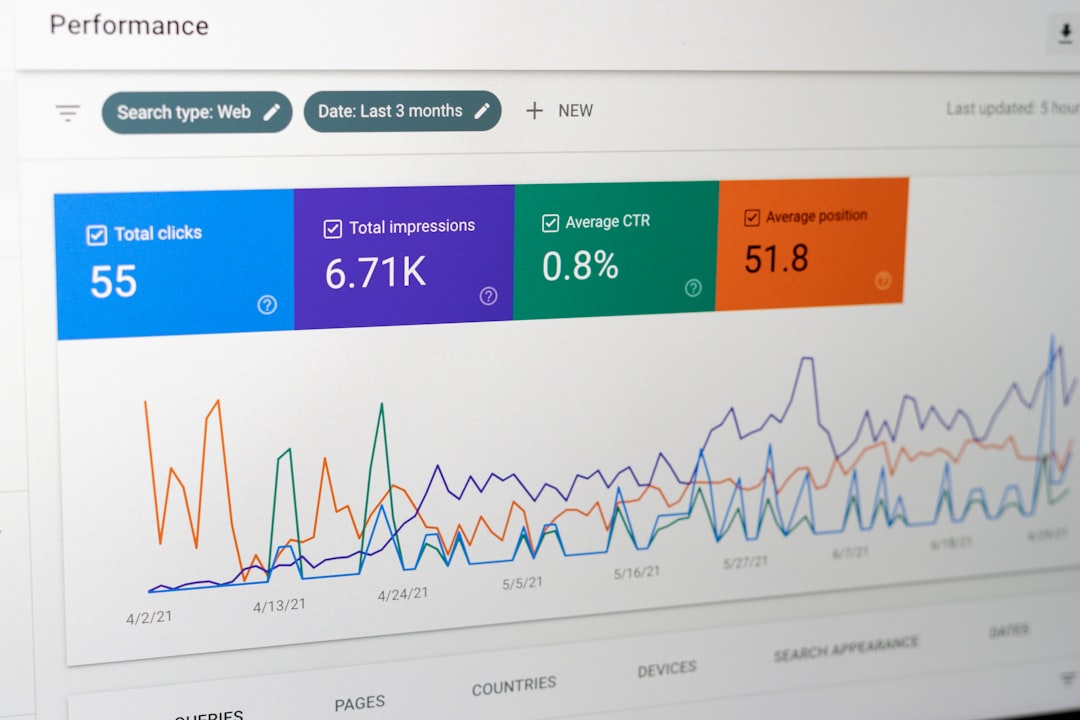
SocialPilot doesn’t just help post content — it also helps track performance. It offers robust analytics including:
- Engagement metrics (likes, shares, comments)
- Audience growth tracking
- Click-through rates and impressions
- PDF reports for specific campaigns or timelines
These insights can be used to refine strategies and understand what content resonates best with audiences.
6. Client Management and White Labeling
A powerful feature for agencies, SocialPilot allows businesses to provide clients with a personalized dashboard using white-label options. From custom-branded reports to using your domain for client logins, it elevates the user experience and enhances professionalism.
7. Browser Extension and Mobile App
SocialPilot has a browser extension (for Chrome and Firefox) and mobile apps for iOS and Android. This makes on-the-go publishing and content curation seamless. Found a great article or visual while browsing? Just click the extension to schedule it instantly.
SocialPilot’s Benefits
Why should users consider SocialPilot over other tools?
- Affordability: Offers more features at almost half the price of many competitors.
- Scalability: Manage multiple clients and platforms without needing multiple logins or subscriptions.
- User Friendly: Easy onboarding and intuitive interface make it accessible to users of all skill levels.
- Customer Support: Offers both live chat and email support with fast response times.
Who Uses SocialPilot?
SocialPilot is designed for a variety of user types:
- Marketing Agencies: Handle multiple clients with ease and deliver white-labeled reports.
- Freelancers: Offer professional-level service without breaking the budget.
- SMBs: Streamline social operations with scheduling, analytics, and team collaboration.
- Digital Marketing Teams: Coordinate social content across departments from a single dashboard.
How to Get Started with SocialPilot
Getting started with SocialPilot is straightforward:
- Sign up for a free trial or select a pricing plan.
- Connect your social accounts securely.
- Start scheduling posts using the interactive calendar or queue system.
- Invite team members or clients as needed.
- Use analytics and reporting to optimize your strategy.
SocialPilot also offers onboarding resources like video tutorials, blogs, and webinars to help users ramp up quickly.
Conclusion
SocialPilot stands out as one of the most comprehensive and cost-effective social media tools available. Its suite of scheduling, content management, analytics, and team collaboration tools makes it the perfect choice for SMBs and agencies alike. Whether you’re a startup looking to build a digital footprint or a seasoned marketer managing multiple brands, SocialPilot streamlines the process and elevates your online presence.
Frequently Asked Questions (FAQ)
- Q: Does SocialPilot offer a free trial?
A: Yes, SocialPilot offers a 14-day free trial with access to most premium features. - Q: Can I use SocialPilot for Instagram Story or Reel scheduling?
A: As of now, direct publishing for Stories or Reels depends on Instagram’s API limitations, but SocialPilot provides notifications to assist with manual publishing. - Q: Is SocialPilot suitable for solopreneurs?
A: Absolutely. Its affordable pricing and simple interface make it ideal for freelancers and solopreneurs managing multiple platforms. - Q: What’s the difference between SocialPilot and Hootsuite?
A: SocialPilot typically offers more social profiles per plan at a lower price and includes client management and white-label options not available in Hootsuite’s lower-tier plans. - Q: Can I collaborate with clients without giving them my login?
A: Yes. SocialPilot lets you invite clients with limited access where they can view or approve posts securely without needing full access.