DaVinci Resolve has become one of the most talked-about video editing programs in the world, praised by YouTubers, filmmakers, and Hollywood professionals alike. With powerful editing tools, advanced color grading capabilities, and professional audio post-production features, many people wonder whether such a high-end program can truly be free. Understanding how DaVinci Resolve’s pricing works—and what you actually get in the free versus paid versions—is essential before deciding if it’s the right software for your needs.
TLDR: DaVinci Resolve offers a fully functional free version that includes professional-grade editing, color correction, visual effects, and audio tools. Most casual and even advanced creators can complete projects without paying anything. The paid version, DaVinci Resolve Studio, unlocks advanced features like high-end effects, AI tools, and higher resolution workflows. For many users, the free version is more than enough, while professionals may benefit from the one-time paid upgrade.
Is DaVinci Resolve Really Free?
Yes, DaVinci Resolve is genuinely free to download and use. Blackmagic Design, the company behind the software, provides a fully functional version at no cost. Unlike many competitors that limit users with watermarks, time restrictions, or feature locks, the free version of DaVinci Resolve is surprisingly generous.
Users can edit unlimited projects, export without watermarks, and access professional-level features. This makes it one of the most powerful free video editing tools available today.
However, there is also a paid version called DaVinci Resolve Studio. The presence of this premium upgrade sometimes causes confusion. To understand whether you need to pay, it’s important to compare what each version offers.
What’s Included in the Free Version?
The free version of DaVinci Resolve includes a remarkably comprehensive set of tools suitable for beginners and professionals alike.
1. Professional Video Editing
Users get access to the complete non-linear editing system, including:
- Multi-track timeline editing
- Trim tools and blade editing
- Transitions and effects
- Keyframing and animation controls
- Proxy media workflow
This allows creators to edit everything from social media clips to full-length films.
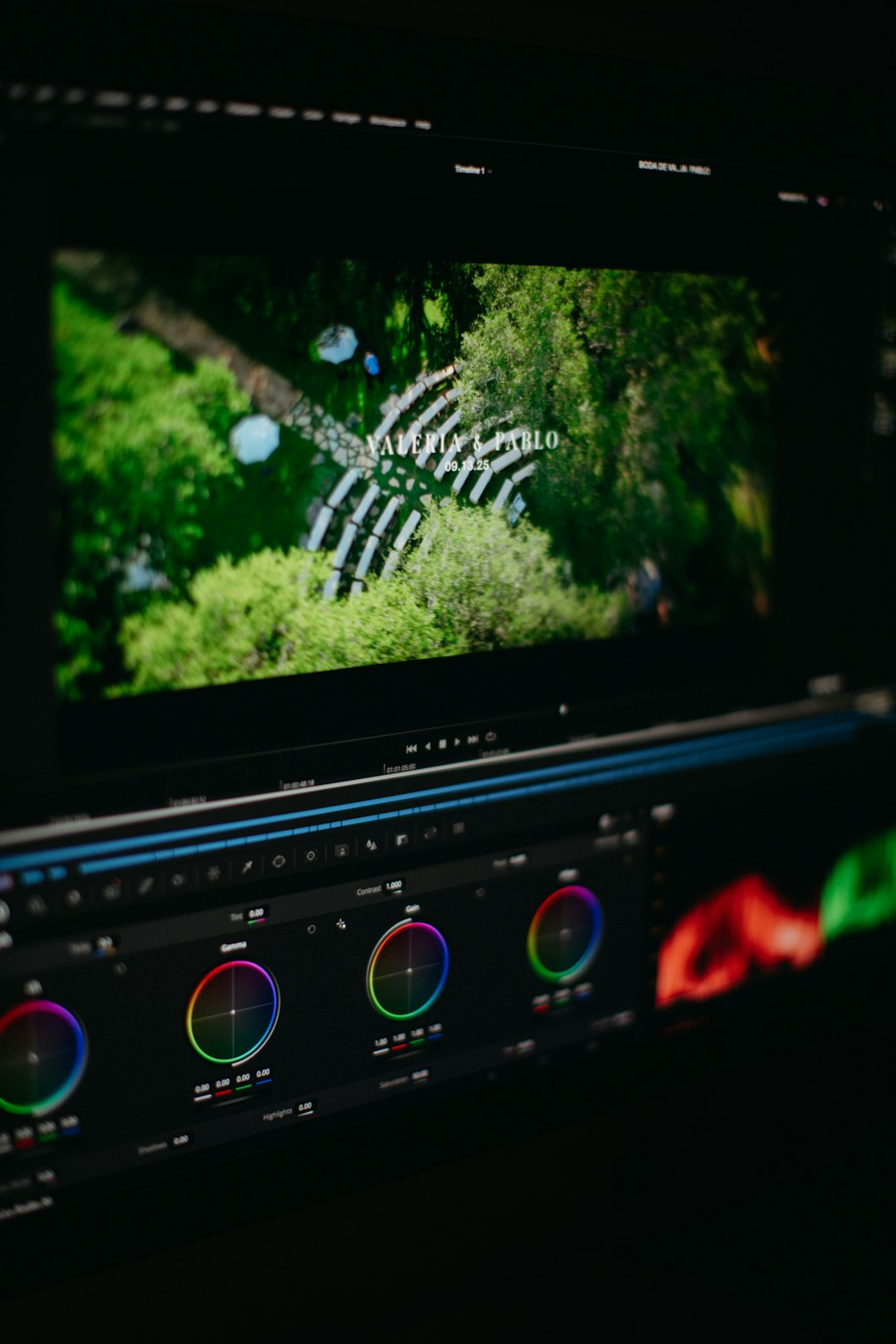
2. Industry-Leading Color Grading
DaVinci Resolve originally gained fame for its color grading capabilities. The free version includes:
- Node-based color correction
- Primary and secondary color tools
- LUT support
- Scopes for accurate color analysis
In fact, many big-budget movies have used DaVinci Resolve for professional color work.
3. Fusion Visual Effects
The built-in Fusion page allows users to create motion graphics and complex visual effects. Even in the free version, users can:
- Create compositing effects
- Add motion tracking
- Work with green screen keying
- Design animations
4. Fairlight Audio Tools
Audio post-production is fully integrated. Users can:
- Edit multiple audio tracks
- Use built-in audio effects
- Mix and master sound
- Reduce background noise
5. Up to 4K Resolution
The free version supports exporting up to Ultra HD (3840×2160). For most YouTube creators and independent filmmakers, this resolution is more than sufficient.
What Does DaVinci Resolve Studio Add?
DaVinci Resolve Studio is the paid version of the software. Unlike many subscription-based editors, it requires a one-time payment. Once purchased, the license includes future updates.
The Studio version unlocks advanced tools aimed at professionals working in broadcast, cinema, or high-end commercial production.
1. Higher Resolution Support
- Export beyond 4K (up to 32K resolution)
- Advanced HDR delivery options
2. Advanced AI Tools (Neural Engine)
The Studio version includes powerful artificial intelligence features such as:
- Magic Mask for intelligent object selection
- Smart Reframe for automatic resizing
- Voice isolation tools
- Facial recognition
- Automatic scene detection
3. Advanced Noise Reduction
One of the most notable Studio-only features is temporal and spatial noise reduction. This tool is especially valuable for:
- Low-light footage
- High ISO camera recordings
- Documentary filmmaking
4. Stereoscopic 3D Tools
Studio includes full support for 3D editing workflows.
5. Collaborative Workflow
Professional teams benefit from multi-user collaboration, allowing editors, colorists, and sound engineers to work simultaneously on shared projects.
How Much Does DaVinci Resolve Studio Cost?
DaVinci Resolve Studio typically costs around $295 USD as a one-time purchase. There are no monthly or annual subscription fees. This pricing model is significantly different from competitors like Adobe Premiere Pro, which operates on a subscription basis.
The one-time pricing makes Studio appealing for professionals who prefer long-term ownership rather than recurring costs.
Who Should Use the Free Version?
The free version is ideal for:
- YouTubers
- Students
- Beginner editors
- Hobbyists
- Independent content creators
For many creators, the free version contains everything needed to produce high-quality videos. If a user does not require advanced AI tools, 8K resolution, or heavy noise reduction, upgrading may not be necessary.
Who Should Consider Studio?
DaVinci Resolve Studio may be worth purchasing for:
- Professional filmmakers
- Commercial production teams
- Freelance editors handling cinema projects
- Creators working with high-resolution or HDR footage
- Anyone needing advanced AI features
If advanced workflows or premium tools are essential, the Studio version offers strong value compared to subscription-based competitors.
Are There Any Hidden Costs?
There are no hidden subscription fees for DaVinci Resolve. However, users should consider hardware requirements. The software can be demanding on computers, especially when working with high-resolution footage or advanced visual effects.
While the software may be free, users may need:
- A powerful GPU
- Sufficient RAM (16GB or more recommended)
- Fast storage such as SSDs
This hardware investment can impact the overall cost of getting started.
Is the Free Version Limited Compared to Competitors?
Compared to many other free editing programs, DaVinci Resolve stands out. Most free alternatives restrict export quality, add watermarks, or block professional tools behind paywalls.
DaVinci Resolve’s free edition includes:
- No watermark
- No time limits
- No forced subscription upgrades
This level of access is rare in professional-grade editing software.
Final Verdict: Is DaVinci Resolve Free Enough?
For a large majority of creators, the answer is yes. The free version of DaVinci Resolve offers a level of functionality that rivals expensive, subscription-based tools. It covers editing, color grading, visual effects, and audio production—all in a single application.
However, professionals working on high-budget projects or requiring advanced AI tools may benefit from upgrading to DaVinci Resolve Studio. Thanks to its one-time payment model, Studio remains competitively priced for the features it delivers.
Ultimately, DaVinci Resolve’s pricing structure is refreshingly straightforward: start for free, and only pay if your workflow demands more advanced tools.
FAQ
-
Is DaVinci Resolve 100% free?
Yes, there is a fully functional free version available. It includes most editing, color grading, effects, and audio tools without watermarks or time limits. -
What is the difference between DaVinci Resolve and Studio?
The Studio version adds advanced features such as AI tools, noise reduction, HDR grading, 3D tools, and support for resolutions higher than 4K. -
Does the free version include 4K export?
Yes, the free version supports exports up to 4K Ultra HD resolution. -
Is DaVinci Resolve better than Premiere Pro?
It depends on user preference. DaVinci Resolve offers a free version and a one-time payment for Studio, while Premiere Pro requires a subscription. Many users prefer Resolve for its built-in color tools. -
Can beginners use DaVinci Resolve?
Yes, although the interface can feel overwhelming at first, beginners can learn through tutorials and gradually explore its tools. -
Do professionals use DaVinci Resolve?
Absolutely. It is widely used in Hollywood and professional post-production studios for editing, color grading, and finishing films.