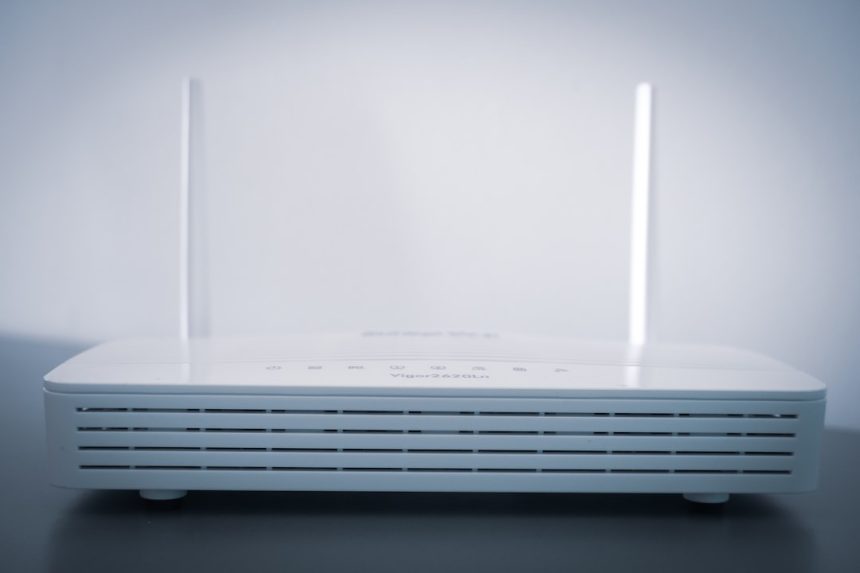
With rising equipment fees and increasing interest in secondhand tech, many users are asking an important question in 2026: Can you use a used 5G gateway for T-Mobile Home Internet? The short answer is — it depends. While some gateways may technically support T-Mobile’s network bands, the carrier tightly controls which devices can be activated on its Home Internet service. Before buying a used unit, there are several compatibility, firmware, and account factors you need to understand.
TLDR: In most cases, you cannot simply buy any used 5G gateway and activate it with T-Mobile Home Internet. T-Mobile typically restricts service to gateways issued directly through their system, and devices must be properly decommissioned from prior accounts. Even if technically compatible, a used gateway may not be eligible for activation. Always verify the IMEI with T-Mobile before purchasing secondhand equipment.
How T-Mobile Home Internet Works in 2026
T-Mobile Home Internet operates differently from traditional cable or fiber. Instead of wired infrastructure, it uses 5G and LTE cellular towers to deliver broadband service to your home via a wireless gateway device.
The gateway acts as:
- A 5G modem that connects to nearby cell towers
- A WiFi router that distributes internet throughout your home
- A network management device updated and controlled remotely by T-Mobile
Unlike bring your own device (BYOD) cellular phones, T-Mobile’s Home Internet service operates through a tightly managed equipment ecosystem. That fact plays a huge role in whether a used 5G gateway will work.
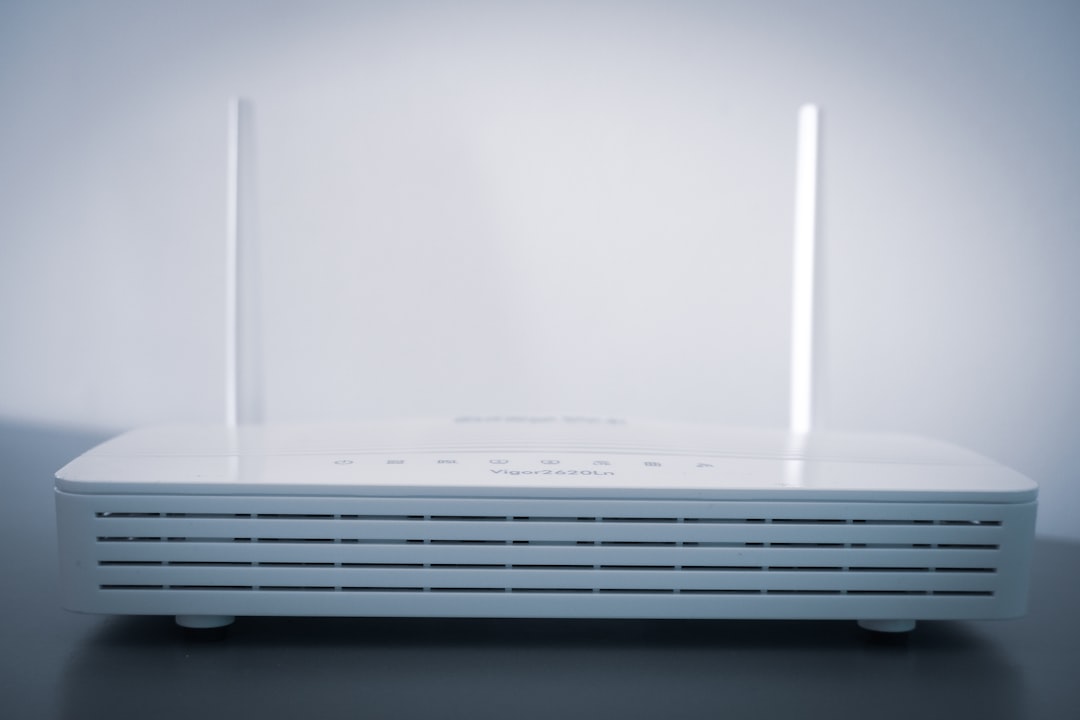
Can You Use a Used 5G Gateway? The Short Technical Answer
Technically possible? Sometimes.
Officially supported? Rarely.
Here’s why:
1. IMEI Registration Requirements
Every T-Mobile 5G gateway has a unique IMEI number. That IMEI must:
- Be registered in T-Mobile’s system
- Not be attached to an active or delinquent account
- Not be flagged as lost, stolen, or unreturned
If the used gateway hasn’t been properly removed from the previous account, activation will fail — even if the device works perfectly.
2. Firmware Lock and Carrier Customization
T-Mobile gateways use custom firmware designed specifically for:
- Network optimization
- Automatic updates
- Signal prioritization
- Home Internet plan provisioning
Unlike unlocked smartphones, you cannot manually flash firmware or bypass activation easily. Even gateways that support the same 5G bands may not authenticate on T-Mobile’s Home Internet network.
3. SIM and eSIM Binding
Many newer 2025–2026 gateways use eSIM technology rather than removable SIM cards. These are:
- Pre-provisioned to specific accounts
- Remotely configured
- Difficult to transfer between customers
This makes secondhand activation significantly more complicated than simply inserting your own SIM card.
Which T-Mobile 5G Gateways Exist in 2026?
T-Mobile has released several gateways over the years. Not all are treated equally in the activation system.
| Model | Release Period | 5G Support | eSIM or Physical SIM | Used Activation Likelihood |
|---|---|---|---|---|
| Nokia 5G21 Gateway | 2021-2023 | Sub-6 5G | Physical SIM | Low |
| Arcadyan KVD21 | 2022-2024 | Sub-6 5G | Physical SIM | Low |
| Sagemcom FAST 5688W | 2023-2025 | Sub-6 5G + improved aggregation | eSIM | Very Low |
| New Gen WiFi 6E Gateway | 2025-2026 | Sub-6 + selective mid band | eSIM | Extremely Low |
Notice a pattern? As the technology improved, activation flexibility decreased.
Biggest Risks of Buying a Used 5G Gateway
Before browsing eBay or Facebook Marketplace, consider the real risks.
1. Device Still Linked to an Account
If the seller stopped paying their bill and never returned the device, T-Mobile likely blacklisted it. In this case, it becomes unusable.
2. Outstanding Equipment Fees
Some gateways are leased rather than sold outright. Selling a leased device violates T-Mobile’s terms and renders it non-transferable.
3. IMEI Not Eligible for Activation
Even clean devices may show as “ineligible” when T-Mobile support checks the IMEI.
4. No Warranty or Replacement Support
If your used gateway fails, T-Mobile may refuse replacement since you’re not the original account holder.
How to Check Compatibility Before Buying
If you’re determined to try using a used device, follow this checklist carefully.
Step 1: Get the IMEI
Never purchase without the device’s IMEI number.
Step 2: Contact T-Mobile Directly
Ask customer service:
- Is this IMEI clean?
- Is it eligible for Home Internet activation?
- Is it released from the previous account?
Step 3: Confirm Deactivation
The previous owner must:
- Cancel service properly
- Ensure device return requirements are cleared
- Remove any billing obligations
Step 4: Verify Network Band Support
T-Mobile relies heavily on:
- n41 (Ultra Capacity 5G)
- n71 (Extended Range 5G)
- LTE bands 2, 4, 5, 66, 71
A generic unlocked 5G router must support these bands — but again, band support alone doesn’t guarantee activation.
Can You Use a Non-T-Mobile 5G Gateway Instead?
This is another common question in 2026.
While unlocked 5G routers from manufacturers like:
- Netgear
- Inseego
- Peplink
may support T-Mobile bands, T-Mobile Home Internet plans are generally locked to approved gateway hardware.
You may be able to use an unlocked 5G router with:
- A business data SIM
- A tablet line SIM (carrier restrictions apply)
However, that is not officially supported and may violate plan terms.

Why T-Mobile Restricts Used Gateway Activation
From a consumer perspective, restrictions can feel frustrating. But from T-Mobile’s standpoint, there are logical reasons:
- Network congestion management
- Quality of service control
- Remote diagnostics capability
- Fraud prevention
- Device lifecycle tracking
Home Internet service prioritization relies on tight integration between the SIM, firmware, and network provisioning system. Allowing random used hardware would disrupt that control model.
Is It Worth the Risk?
Let’s compare the savings versus potential headaches.
- Average used gateway price in 2026: $50–$180
- Official T-Mobile gateway cost: Typically $0 upfront (included with service)
Since T-Mobile generally provides the gateway with your plan, there’s minimal financial incentive to use a secondhand device — unless:
- You damaged your original gateway
- You want a backup device
- You are troubleshooting signal issues with a different model
Even then, official replacement through T-Mobile is usually safer.
2026 Final Verdict
In most cases, no — you cannot reliably use a used 5G gateway for T-Mobile Home Internet in 2026.
While rare exceptions exist (clean IMEI, properly deactivated device, older physical SIM models), success stories are becoming less common as T-Mobile tightens eSIM integration and activation restrictions.
If you already have active T-Mobile Home Internet service, your best path is:
- Use the provided gateway
- Request an official replacement if needed
- Use external antennas or signal optimization rather than switching hardware
Smart Buyer’s Checklist
Before buying any used gateway in 2026, make sure you can confidently answer YES to all of these:
- Is the IMEI confirmed clean by T-Mobile?
- Has the prior account fully released the device?
- Does it support T-Mobile’s primary 5G bands (n41 and n71)?
- Are you prepared for possible activation denial?
If any answer is no — proceed with caution.
In today’s tightly managed carrier ecosystems, buying used networking hardware isn’t as simple as it once was. When it comes to T-Mobile Home Internet in 2026, the safest and most reliable solution remains the one issued directly by the carrier.
Sometimes the cheapest option ends up being the most expensive mistake.