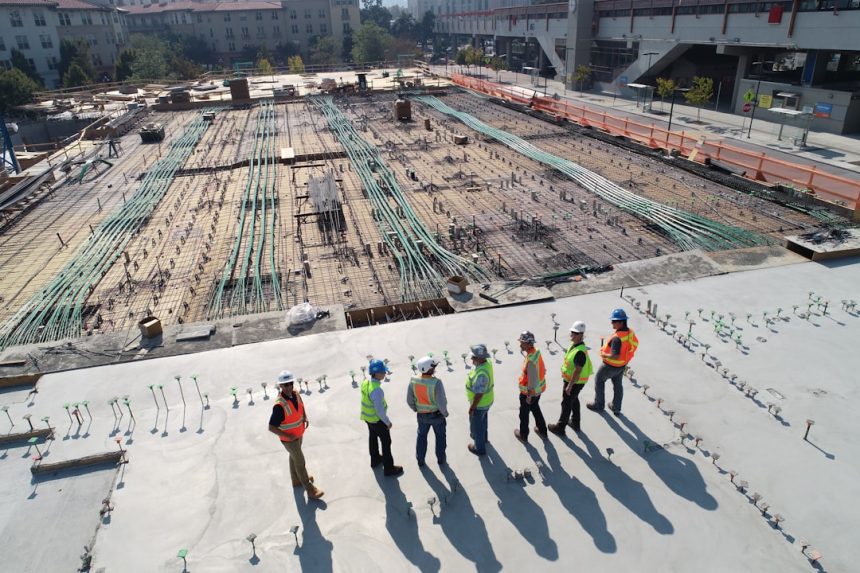
Construction companies increasingly rely on digital platforms to coordinate schedules, manage documents, track costs, and keep field teams aligned with office staff. BuildPro is one of the construction project management software options designed to centralize these workflows and reduce the friction that often comes with spreadsheets, email chains, paper plans, and disconnected systems.
TLDR: BuildPro is a construction project management platform aimed at helping contractors, builders, and project teams organize jobs from planning through completion. It performs best for organizations that need stronger scheduling, communication, task tracking, and document control in one place. Its value depends on how well a company adopts its workflows and whether the platform fits existing estimating, accounting, and field management processes. Overall, BuildPro is a practical option for construction firms seeking better visibility and control across active projects.
Overview of BuildPro
BuildPro is built around the daily realities of construction management: changing schedules, multiple subcontractors, permit requirements, client expectations, site updates, and budget pressure. Instead of forcing project managers to manage these moving parts through separate tools, BuildPro brings core project data into a single platform.
The software is generally positioned for residential builders, commercial contractors, specialty trades, remodelers, and construction teams that manage multiple jobs at the same time. Its main purpose is to help teams track project progress, communicate clearly, and reduce the risk of missed tasks or outdated information.

Key Features
BuildPro includes a range of features that support project coordination from preconstruction through completion. While exact tools may vary depending on the implementation or package, the platform typically focuses on the following areas:
- Project scheduling: Teams can create timelines, assign tasks, manage dependencies, and track milestones.
- Task management: Managers can assign responsibilities to internal staff, subcontractors, vendors, or field personnel.
- Document control: Plans, specifications, forms, contracts, and permits can be stored and shared in a centralized location.
- Communication tools: The platform helps reduce fragmented conversations by keeping project-related updates connected to specific jobs or tasks.
- Progress tracking: Project managers can monitor current status, completed work, pending approvals, delays, and bottlenecks.
- Subcontractor coordination: BuildPro assists with scheduling trades, assigning work, and improving visibility into subcontractor responsibilities.
- Reporting: Managers can generate project summaries, performance updates, and operational reports for leadership or clients.
User Experience and Interface
A construction management platform succeeds only when office teams and field staff actually use it. BuildPro appears to place emphasis on practical navigation rather than overly complex menus. The interface is typically organized around projects, schedules, activities, documents, and team communication.
For project managers, this structure can make it easier to see what is happening across jobs without digging through email threads or calling multiple supervisors. For field teams, mobile access and clear task information are especially important. When field users can quickly view assignments, upload updates, and confirm work completion, the platform becomes much more valuable.
However, like many construction software platforms, BuildPro may require onboarding and internal process alignment. Companies with inconsistent naming conventions, unclear responsibilities, or poorly defined workflows may need to standardize their operations before they see the full benefit of the software.
Scheduling and Project Coordination
Scheduling is one of BuildPro’s strongest use cases. Construction projects depend heavily on the right sequence of work. A delayed inspection, unavailable subcontractor, missing material, or weather issue can affect multiple downstream tasks. BuildPro helps teams map these activities and monitor whether each stage is moving as planned.
Project leaders can use the scheduling tools to assign dates, track progress, and update affected parties when timelines shift. This is especially helpful for companies managing several projects at once, where manual schedule updates can quickly become overwhelming.
The main benefit is not simply creating a schedule; it is keeping the schedule visible, current, and connected to the people responsible for completing the work.
Document Management
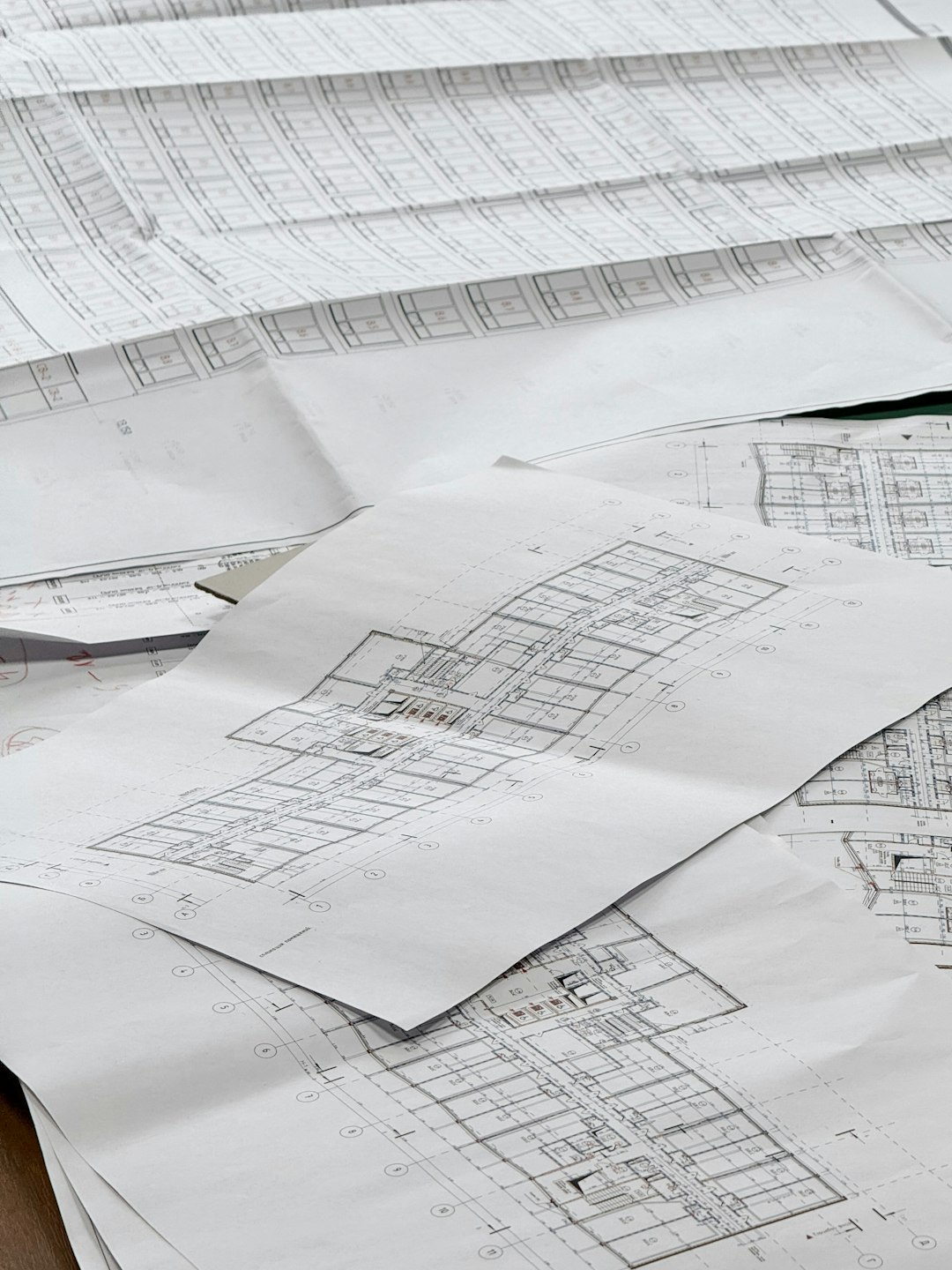
Construction teams often deal with large volumes of documents, including drawings, contracts, inspection reports, photos, change orders, specifications, safety forms, and client approvals. BuildPro’s document management features help reduce confusion by giving teams a central place to store and retrieve important files.
This is particularly useful when multiple versions of plans are circulating. When workers rely on outdated documents, mistakes can become expensive. A centralized system reduces that risk by allowing project participants to access the most current information.
Communication and Collaboration
One of the most common causes of construction delays is poor communication. BuildPro addresses this by keeping project discussions, assignments, and updates connected to the relevant job. Instead of separating communication from execution, the platform helps users tie messages and updates to specific activities.
This can improve accountability because team members can see who is responsible for what and when tasks are due. It can also reduce unnecessary meetings, phone calls, and follow-up emails. For subcontractors, clearer instructions and schedule visibility can reduce confusion about site access, sequencing, or readiness.
That said, communication tools are only effective when they are adopted consistently. If some team members continue using separate channels for critical information, the software may lose some of its value. Successful implementation usually requires company-wide expectations about where updates, approvals, and task notes should be recorded.
Reporting and Visibility
BuildPro gives managers a clearer view of project performance by collecting activity data in one system. Leadership teams can use reports to understand project status, identify recurring delays, compare job progress, and improve planning for future work.
Reporting can be especially useful for construction businesses that are growing. As companies take on more projects, informal tracking becomes less reliable. BuildPro helps establish a more structured operational view, allowing decision-makers to respond earlier when issues arise.
For example, if several projects are delayed at the same stage, management may discover a vendor performance issue, an inspection bottleneck, or an internal staffing gap. These insights can support better forecasting and resource allocation.
Strengths of BuildPro
BuildPro offers several advantages for companies that need better organization and control over construction projects:
- Centralized project information: Teams can reduce reliance on scattered files, texts, and email chains.
- Improved schedule visibility: Project managers can track milestones and dependencies more effectively.
- Better subcontractor coordination: Work assignments and deadlines become easier to communicate.
- Reduced administrative friction: Standardized workflows can save time and improve consistency.
- Greater accountability: Assigned tasks, due dates, and completion records make responsibilities clearer.
- Scalability: The platform can support companies handling multiple active projects.
Potential Drawbacks
No construction software is perfect for every organization, and BuildPro is no exception. Companies should evaluate its fit based on project type, team size, integration needs, and internal processes.
- Learning curve: Teams that are new to project management software may need training before adoption becomes smooth.
- Implementation effort: The software works best when workflows, roles, and data structures are clearly defined.
- Integration considerations: Firms may need to confirm compatibility with accounting, estimating, CRM, or procurement systems.
- User consistency: If field teams or subcontractors do not regularly update the platform, information may become incomplete.
- Cost evaluation: Pricing should be weighed against expected productivity gains, reduced errors, and time savings.
Who Should Consider BuildPro?
BuildPro is best suited for construction companies that are ready to move beyond manual coordination and want a more structured way to manage project execution. It may be especially helpful for builders managing many similar projects, contractors coordinating several trades, and organizations that need stronger visibility across jobsites.
Companies with frequent schedule changes, high subcontractor involvement, or recurring communication problems may find the platform particularly useful. BuildPro can also benefit firms that want to create repeatable processes rather than managing each project in a completely different way.

Implementation Considerations
Before adopting BuildPro, a company should evaluate how its existing workflows operate. The most successful software rollouts usually begin with a clear understanding of current pain points. Management should identify where delays occur, how information is shared, which reports are needed, and what teams expect from the system.
Training is also important. Project managers, coordinators, field supervisors, and subcontractors may all interact with the platform differently. A phased rollout can help teams adjust without overwhelming daily operations. Companies may start with scheduling and document management before expanding into reporting, subcontractor workflows, or more advanced collaboration features.
Leadership support plays a major role as well. If managers continue accepting project updates through informal side channels, team members may not feel compelled to use the software consistently. A clear internal policy helps ensure BuildPro becomes the central source of truth.
BuildPro Compared with Traditional Project Management Methods
Many construction businesses still depend on spreadsheets, whiteboards, email, and phone calls. These methods may work for small teams or simple projects, but they become less dependable as project volume increases. BuildPro offers a more organized alternative by connecting schedules, documents, tasks, and communication.
Compared with traditional methods, BuildPro generally provides better visibility and historical tracking. Instead of searching through old messages to confirm whether a task was assigned, managers can review activity records within the platform. This can reduce disputes, improve accountability, and help teams learn from completed projects.
Final Verdict
BuildPro is a strong construction project management software option for companies that need more structure, visibility, and consistency across job planning and execution. Its main strengths are scheduling, task coordination, document management, subcontractor communication, and project reporting.
The platform is most valuable when a construction company is committed to standardizing workflows and encouraging consistent use by both office and field teams. While there may be a learning curve and implementation process, the long-term benefits can include fewer missed tasks, better communication, improved schedule control, and stronger project oversight.
Overall, BuildPro deserves consideration from contractors, builders, and construction managers looking for a centralized system to manage complex project activity more efficiently.
FAQ
What is BuildPro?
BuildPro is construction project management software designed to help teams manage schedules, tasks, documents, communication, and project progress in one centralized platform.
Who is BuildPro best for?
BuildPro is best for builders, contractors, remodelers, specialty trades, and construction companies that manage multiple jobs and need better coordination between office teams, field staff, and subcontractors.
Does BuildPro help with scheduling?
Yes. Scheduling is one of its core functions. It helps teams organize project timelines, assign tasks, track milestones, and respond to changes that affect project sequencing.
Can subcontractors use BuildPro?
Subcontractors can typically be included in workflows for task assignments, schedule updates, and communication, depending on how the company configures the platform.
Is BuildPro difficult to learn?
BuildPro may require training, especially for teams moving from spreadsheets or paper-based processes. However, its value increases as users become familiar with standardized workflows and consistent project updates.
Does BuildPro replace accounting software?
BuildPro is primarily focused on construction project management. Companies should verify whether it integrates with their accounting or financial systems if they need connected cost tracking, invoicing, or payroll workflows.
What are the main benefits of BuildPro?
The main benefits include improved project visibility, better scheduling, centralized documents, clearer communication, stronger accountability, and more consistent project execution.
Is BuildPro worth it?
BuildPro can be worth it for construction companies that struggle with project coordination, schedule changes, scattered documents, or inconsistent communication. Its return on investment depends on adoption, training, and how well it fits the company’s existing operations.