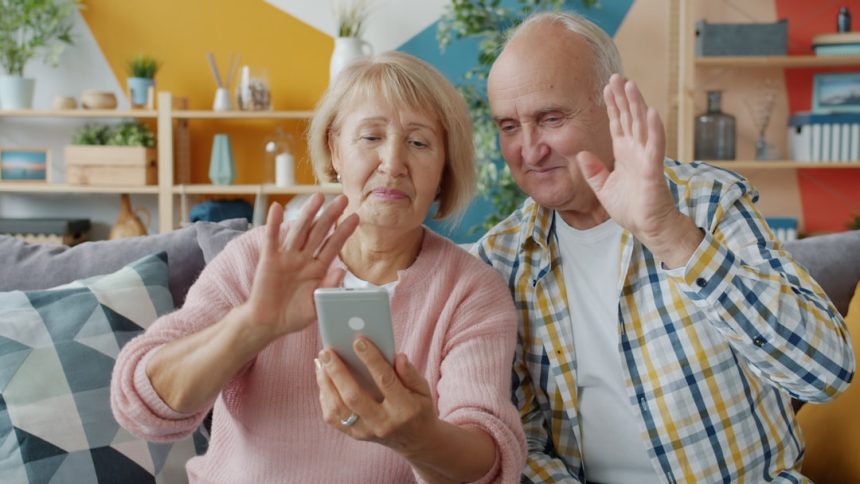
As families navigate the realities of aging, safety and constant communication become top priorities. While Life360 is widely known for family location sharing, many families need solutions specifically tailored to seniors — tools that include emergency alerts, health tracking, caregiver coordination, and user-friendly interfaces. The right elderly care app can provide peace of mind without compromising dignity or independence.
TLDR: Several elderly care apps offer features similar to Life360 but are designed specifically for senior safety and caregiver communication. Apps like CareZone, Medical Guardian, iSharing, and Kintell combine GPS tracking, emergency alerts, medication reminders, and caregiver coordination tools. Choosing the right app depends on whether your primary concern is location tracking, medical monitoring, or family collaboration. A careful comparison of features and usability ensures you select the safest, most effective solution for your loved one.
Below are four trusted elderly care apps that improve safety, communication, and overall caregiving coordination.
1. CareZone
Best for medication management and family coordination
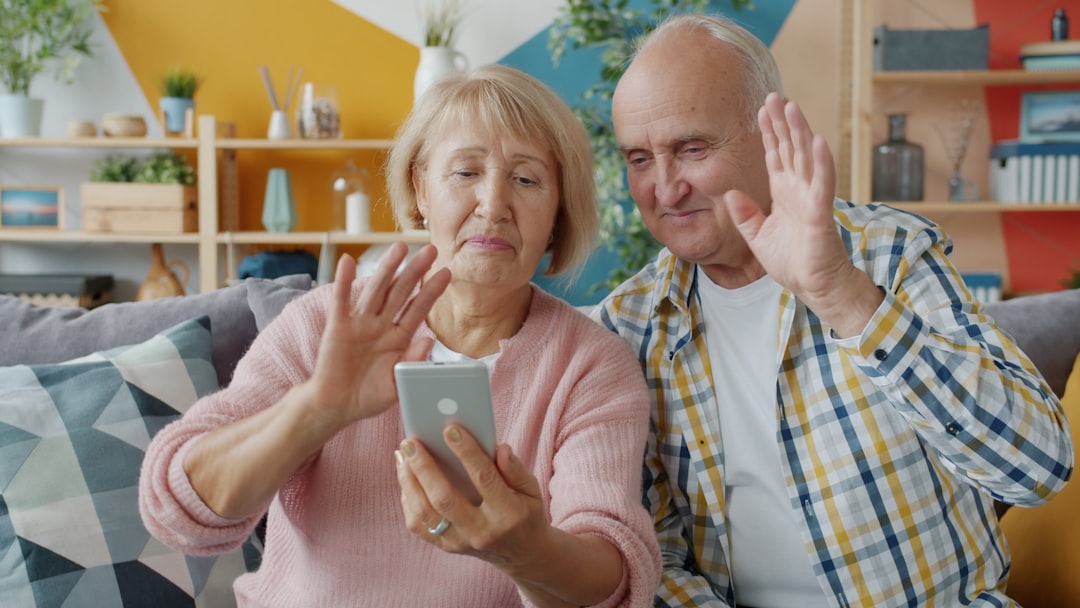
CareZone is a comprehensive caregiving app designed to centralize medical information and simplify communication among family members. Unlike simple tracking apps, CareZone focuses heavily on medication management, which is critical for elderly individuals managing multiple prescriptions.
Key Features:
- Medication reminders with customizable alerts
- Shared calendar for doctor appointments and events
- Secure document and insurance card storage
- Private messaging for family caregivers
- Journal and health tracking capabilities
CareZone does offer basic location sharing features, but its true strength lies in organizing care logistics. For families struggling with coordinating prescriptions, appointments, and care instructions among siblings, this platform reduces confusion and missed doses.
Why It Improves Safety: Missed medications are one of the most common preventable health risks for seniors. With automated reminders and shared caregiver dashboards, CareZone creates structure and accountability.
Limitations: It does not provide extensive real-time GPS tracking like Life360 and is less focused on emergency response monitoring.
2. Medical Guardian App
Best for emergency response and professional monitoring
Medical Guardian combines app-based features with wearable medical alert devices. While Life360 is largely location-focused, Medical Guardian emphasizes emergency intervention — a crucial element for elderly individuals living independently.

Key Features:
- 24/7 professional monitoring center
- GPS location tracking
- Fall detection (with compatible devices)
- Emergency SOS button
- Caregiver notifications
This solution is especially appropriate for seniors at risk of falls, wandering due to cognitive decline, or chronic health emergencies. The addition of wearable devices ensures help is accessible at all times, not only when carrying a smartphone.
Why It Improves Safety: Immediate access to trained emergency responders dramatically shortens response times. The GPS functionality ensures caregivers can locate their loved ones quickly during a crisis.
Limitations: Subscription costs can be higher than app-only solutions, and the system works best when paired with wearable hardware.
3. iSharing
Best for real-time GPS tracking and geo-fencing
For families who value location visibility and instant alerts, iSharing is one of the closest alternatives to Life360 — but with features useful for elderly care. It allows caregivers to monitor real-time movement while setting safety zones.
Key Features:
- Real-time location tracking
- Geo-fencing alerts when entering or leaving designated areas
- Panic alert button
- Location history reports
- Crash detection notifications
This app is particularly beneficial for seniors with early-stage dementia who may still be active but require monitoring for wandering risks.
Why It Improves Safety: Instant notifications if a senior leaves a safe zone allow caregivers to react quickly. The panic button also empowers seniors to proactively request help.
Limitations: iSharing focuses heavily on location data and does not include medication management or medical record features.
4. Kintell
Best for holistic caregiving and task management
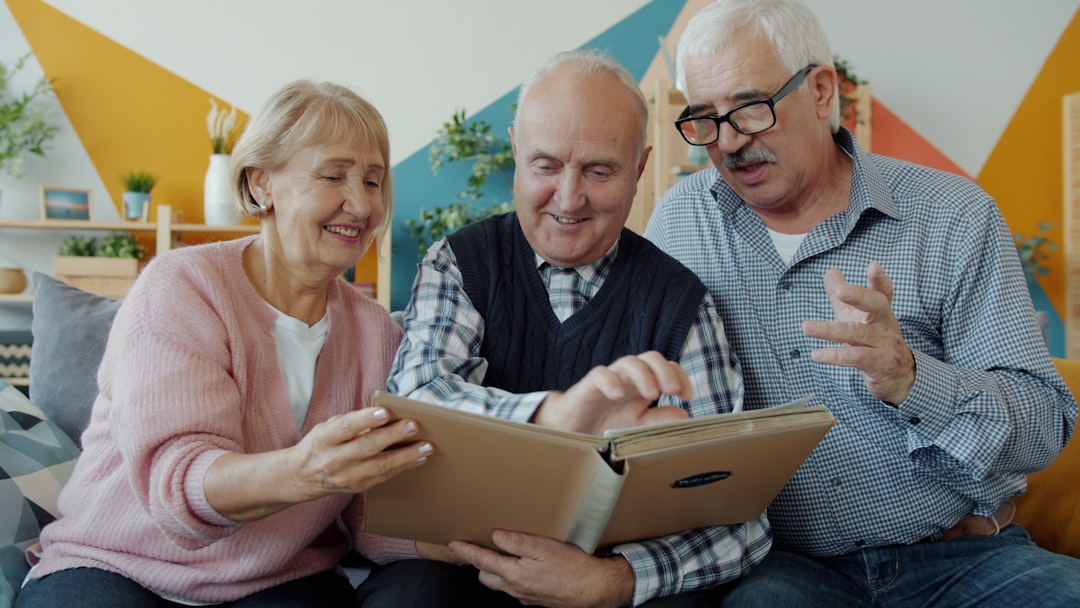
Kintell is designed specifically for collaborative elder care. It goes beyond tracking by including task assignments, progress tracking, and caregiver collaboration tools.
Key Features:
- Shared care plans
- Task delegation and completion tracking
- Secure messaging
- Health updates and documentation storage
- Integration with caregivers and healthcare providers
Kintell is ideal for families coordinating among multiple caregivers or working alongside professional aides. Transparency in responsibilities reduces misunderstandings and ensures continuity of care.
Why It Improves Safety: Clear communication prevents gaps in supervision, missed appointments, or overlooked symptoms. The platform ensures every caregiver stays informed.
Limitations: It does not include advanced emergency dispatch services or built-in wearable support.
Feature Comparison Chart
| App | GPS Tracking | Emergency Monitoring | Medication Reminders | Caregiver Collaboration | Best For |
|---|---|---|---|---|---|
| CareZone | Limited | No professional monitoring | Yes | Yes | Medication and organization |
| Medical Guardian | Yes | 24/7 monitoring | No | Basic alerts | Emergency response |
| iSharing | Yes | Panic alerts only | No | Basic | Location and geo fencing |
| Kintell | No | No | No | Yes | Care coordination |
How to Choose the Right App for Your Family
Selecting the best elderly care app requires an honest assessment of your loved one’s needs. Consider the following factors:
- Medical Risk Level: Does your loved one have fall risks or chronic conditions requiring urgent monitoring?
- Cognitive Condition: Is wandering a concern?
- Medication Complexity: Are multiple prescriptions being managed?
- Caregiver Network: How many people are involved in daily care?
- Technology Comfort: Can your loved one comfortably use a smartphone or wearable?
In many cases, families combine two solutions — for instance, pairing a professional monitoring service with a caregiving coordination app.
The Importance of Communication in Elder Care
Technology cannot replace human presence, but it can strengthen it. Communication breakdowns are among the leading causes of preventable senior health complications. When caregivers lack visibility or clear responsibilities, small issues can escalate into emergencies.
Well-designed apps restore visibility while preserving independence. Seniors often prefer subtle monitoring over intrusive check-ins, and location tracking with consent can help maintain autonomy rather than restrict it.
Trust is central to implementing any monitoring technology. Families should involve elderly loved ones in the decision-making process to ensure transparency and maintain dignity.
Final Thoughts
Elderly care requires more than simple location tracking. While Life360 laid the groundwork for family monitoring, seniors need specialized tools that consider medical emergencies, medication management, and coordinated caregiving efforts.
CareZone excels in organization, Medical Guardian leads in emergency response, iSharing provides strong geo-fencing tools, and Kintell supports structured collaboration. Each solution improves safety in different ways — and the right choice depends on the specific needs of your family.
Investing time in selecting the appropriate app is not merely a technical decision; it is a commitment to safety, dignity, and peace of mind. In an era where families are often geographically dispersed, these platforms bridge the distance and ensure that elderly loved ones remain connected, protected, and supported every day.