Business cards are still totally in style—especially when you’re a solopreneur or running a side hustle. They’re small, sleek, and always ready to hand out. But designing one? That can feel like rocket science if you’re not a pro designer.
TL;DR: Creating a business card doesn’t have to be hard or expensive. There are tons of easy-to-use tools that help solopreneurs and side hustlers design slick cards in just minutes. No fancy skills needed. We’re highlighting the most user-friendly ones right here.
Why Business Cards Still Matter in 2024
You might be thinking, “Aren’t we all digital now?” Sure, but there’s something impressive about a great-looking card. It shows you’re serious. It’s a quick way to share your info. And yes—it makes you look cool and collected at networking events!
Whether you’re a freelance writer, jewelry seller, coach, or do-everything entrepreneur, a business card can tell your story in seconds.
What Makes a Business Card Maker ‘User-Friendly’?
We’re glad you asked. A good business card tool should be:
- Easy to use – No design degree needed.
- Affordable – Bonus points for free plans.
- Fast – You should be able to create a card in under 15 minutes.
- Professional looking – Because “meh” designs won’t help your brand.
Now, let’s dive into the most awesome tools that tick all the right boxes.
1. Canva: The All-Around Favorite
Canva is the superhero of design for non-designers. It has hundreds of free templates just for business cards.
Why solopreneurs love Canva:
- Drag-and-drop simplicity. Seriously, a baby could probably use it (don’t try that, though).
- Lots of modern and fun font choices.
- Templates sorted by profession, so you’ll actually find something that fits your vibe.
- You can even order prints straight from Canva. Easy peasy.

2. VistaCreate (formerly Crello): Quick and Clean
VistaCreate is Canva’s clever cousin. It’s perfect for folks who get overwhelmed with too many choices.
What makes it cool:
- Simple interface, less clutter—just the good stuff.
- Lots of trendy templates made for beginners.
- Design from your phone or computer. Great for the coffee-shop hustlers out there.
Bonus: VistaCreate offers animated designs too, in case you wanna repurpose your card design online!
3. Zazzle: Design + Print in One Place
If you’re looking to go straight from idea to physical product, Zazzle is your jam. It lets you completely customize both sides of your card.
Top features:
- Lots of design styles—from corporate to artsy.
- You choose the paper and finish (like matte, gloss, or even pearl!).
- You can upload your own artwork or just plug your info into a template.
If you’re looking for something that feels high-end, Zazzle has plenty of luxe options.
4. Moo: For Premium Looks Without the Fuss
Moo cards look and feel like something James Bond would hand out. Super polished. Slightly fancy. But—you guessed it—still super simple to design.
Why Moo is a fan favorite:
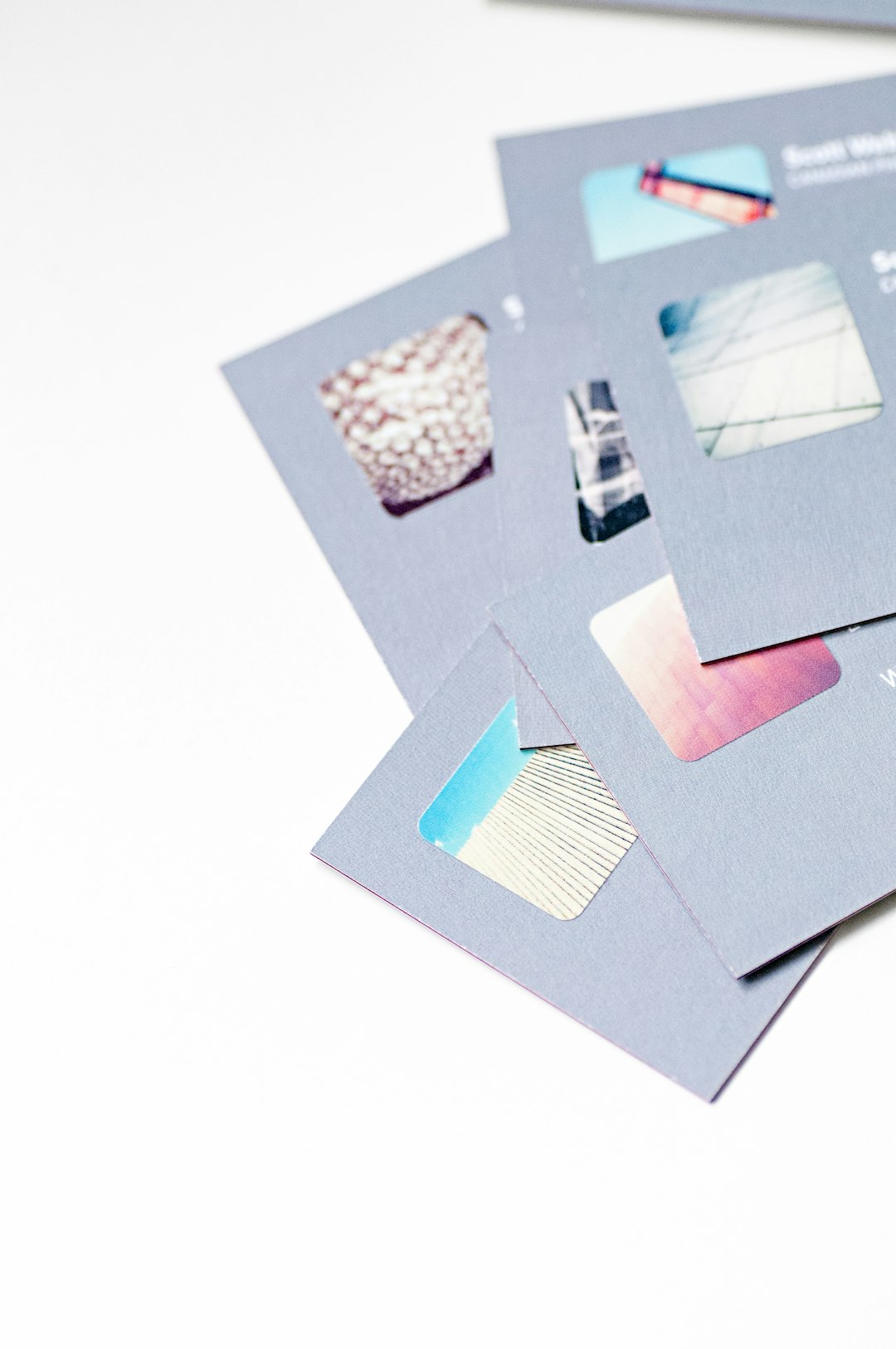
- You can create up to 50 different backs in the same pack—great for showing off your portfolio or products.
- Colors really pop. And the signature rounded corners? Chef’s kiss.
- Design tools are stylish and sleek, but still very beginner-friendly.
5. Business Card Maker by Shopify: Perfect for Side Hustlers
Already selling online? Shopify’s free business card generator is made for entrepreneurs like you.
Perks include:
- It’s 100% free.
- You pop in your info and get a printable design in seconds.
- Minimalist designs that look sharp and professional.
No login needed, and it won’t try to upsell you ten things. Fast, free, and done—that’s Shopify style.
6. Namecheap’s Card Generator: For Getting Started Fast
Most people know Namecheap for web hosting, but guess what? Their business card builder is a hidden gem.
Why it works:
- Simple step-by-step form. It walks you through creating a clean card.
- Great for new freelancers and gig workers looking for something simple and effective.
- Free downloadable designs. Just print wherever you want.
Sometimes, ease beats extra features. This one gets the job done, quick and tidy.
Bonus Tips to Make Your Card Stand Out
Choosing the right tool is half the battle. The other half? Nailing the design! Here are quick wins:
- Use bold colors – Stand out in a sea of white and beige.
- Stick to one or two fonts – Keep it clean, not chaotic.
- Don’t overstuff it – Less really is more, especially on a 3.5 x 2 inch space.
- Include only essential info – Name, website or social handle, contact, done!
In Summary
Your business card is often your first impression. Make it count. With the tools above, there’s no excuse for “blah” designs anymore. Whether you want fun and funky, clean and classic, or somewhere in between, there’s a platform waiting for you.
Here’s a quick cheat sheet to match you with the right tool:
- Canva: Great all-around – good for everything from coaching to crafts.
- VistaCreate: Clean interface and solid mobile friendly design.
- Zazzle: Customized designs and hands-on printing options.
- Moo: For luxurious, portfolio-style cards.
- Shopify Generator: Fast, simple, and made for hustlers.
- Namecheap Generator: Quick, minimal, ideal for beginners.
Final Thought
Don’t let a lack of design skills stop you from looking pro. Your brand deserves to shine—even if you’re a one-person show. Try one (or two) of these user-friendly card makers, and get ready to hand out some serious wow.