Video editing can be a time-consuming job. But who wants to wait forever for a file to export? If you’re a Mac user and speed is your top priority, you’re in luck. Reddit users have been chatting about their favorite fast-exporting video editing apps. We dug into the posts, forums, and threads to find out which six apps stand out for their speed and performance.
TL;DR
If fast export speeds are a top priority, these six Mac video editing apps come highly rated by Reddit users. Final Cut Pro leads the pack for blazing-fast exports with Apple Silicon. DaVinci Resolve and Adobe Premiere Pro also perform well with the right settings. For simpler editing, tools like iMovie and CapCut get the job done quickly with minimal fuss. Read on for the full list and breakdown!
1. Final Cut Pro – “It’s Like a Rocket Ship”
This app gets the most love on Reddit for one big reason: speed. Final Cut Pro is built by Apple. It’s made to work perfectly with Mac machines, especially if you have an M1 or M2 chip. Exports are super quick thanks to Metal engine optimization and background rendering.
Users say you can export a 4K video in just a few minutes. One Redditor even said: “Final Cut Pro turns my hour-long edits into two-minute exports – it’s pure magic.”
Best for: Mac users with Apple Silicon who want pro performance
- Insanely fast export times
- Smooth timeline playback
- Great for YouTubers and pros alike

2. DaVinci Resolve – “Hollywood Speed at Home”
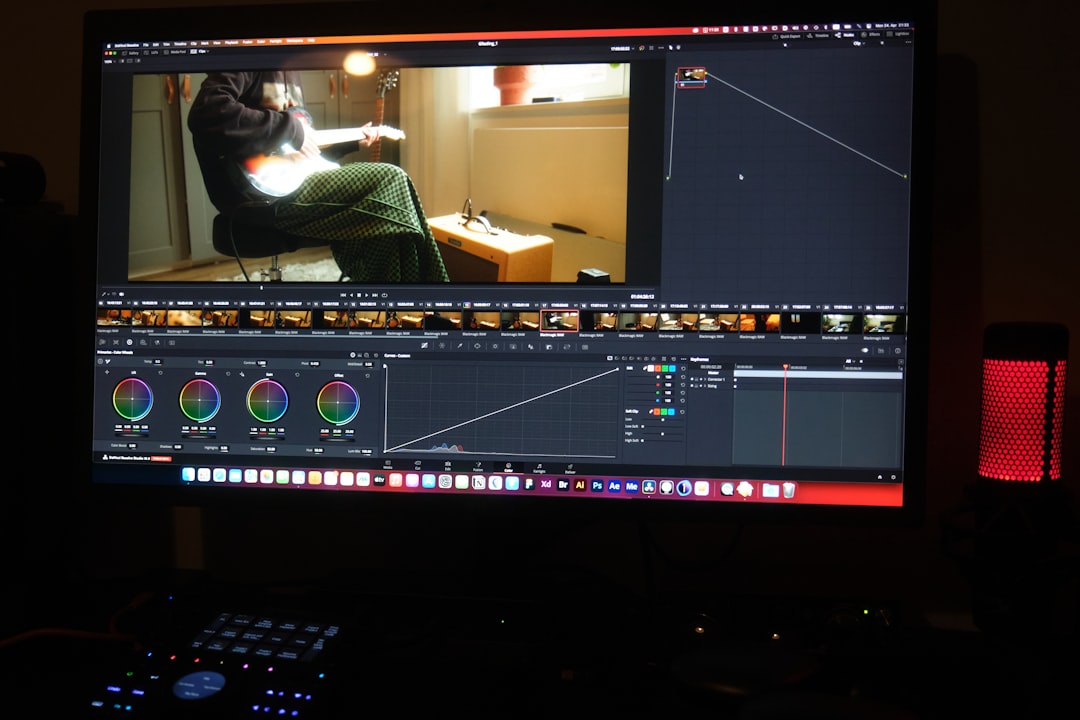
If you want pro features without the hefty price tag, look no further. DaVinci Resolve has a powerful free version that competes with top-tier editors. On Reddit, users love its speed with the right settings and hardware.
With support for hardware acceleration and smart caching, export times can be surprisingly short. The Studio version offers even more speed boosts with GPU acceleration.
Best for: Editors who want pro-level tools and fast rendering (for free!)
- Free with robust features
- Supports Apple Silicon and GPU acceleration
- Professional-grade color grading and effects
3. Adobe Premiere Pro – “Speed with Flexibility”
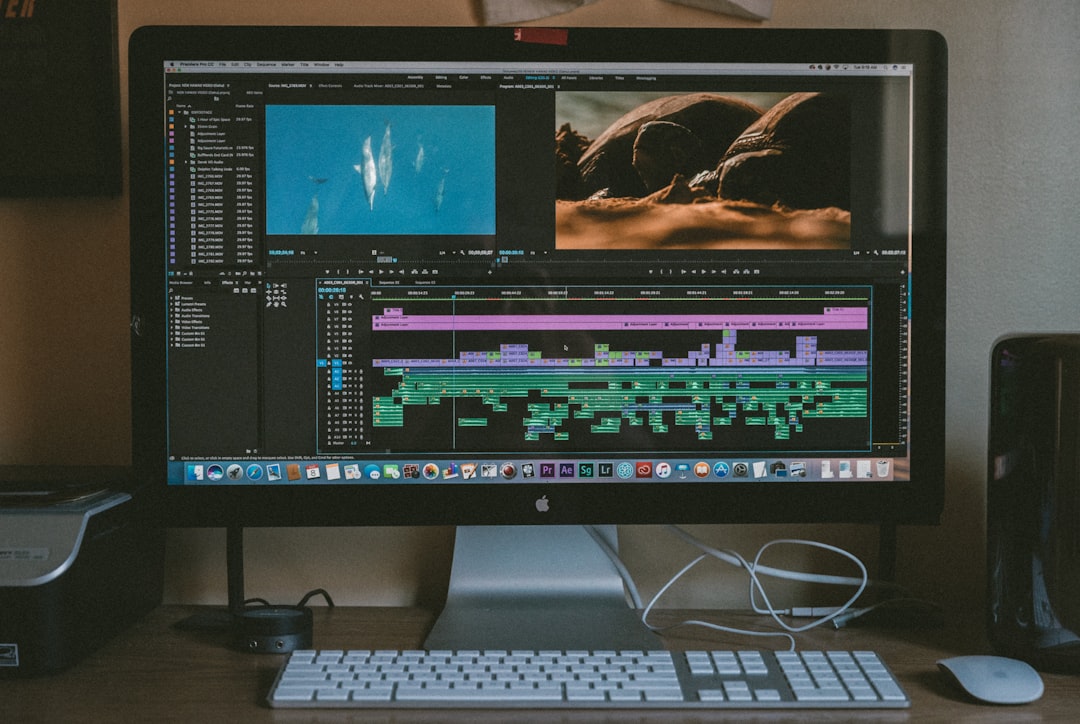
Adobe Premiere Pro has a bit of a reputation—some love it, some not so much. But many Reddit users pointed out that recent updates have improved performance. With optimized export presets and support for Apple’s M-series chips, speeds have caught up.
Pair it with Adobe Media Encoder for faster, batch exports. You also get lots of flexibility with custom settings.
Best for: Adobe ecosystem users who want flexibility and professional results
- Now optimized for Apple Silicon Macs
- Batch export with Adobe Media Encoder
- Massive community and plugin support
4. iMovie – “Simple. Clean. Fast.”
It’s free, it’s built-in, and it’s fast. Reddit users give iMovie credit for its speed and simplicity. If you’re not doing advanced video work, iMovie can render and export in record time.
One Redditor said, “For my school projects and TikToks, iMovie does the job and spits out files crazy fast.”
Best for: Casual editors who need quick results with minimal effort
- Free with macOS
- Super user-friendly
- Quick exports for small projects
5. CapCut – “Fast and Fun for Creators”
Originally a mobile app, CapCut now offers a desktop version for Mac. Reddit creators rave about how fast it renders short videos, especially for social media content like TikToks and Reels.
It might not have all the pro features, but for quick montages, CapCut is a favorite. Expect blazing speeds on exports, especially if your clips are short.
Best for: Social media creators and short-form video editors
- Fun interface with trendy effects
- Fast exporting for short videos
- Ideal for TikTok and Instagram Reels
6. ScreenFlow – “Speedy for Tutorial Lovers”
If you’re making tutorial videos, ScreenFlow might be all you need. Reddit users often mention it when talking screen recording and quick timeline editing. It’s optimized for fast exporting, especially when guides or live footage are involved.
Plus, you don’t need to tweak many settings. Open, record, trim, and export in a flash.
Best for: YouTubers, educators, and software tutorial makers
- Fast exports for screencasts
- Built-in audio and video editing tools
- Simple layout great for beginners
Tips from Reddit Users on Speeding Up Exports
We also found some useful tricks Reddit users shared to boost export speeds on any app:
- Use ProRes when possible – it renders faster than H.264
- Close other apps before exporting – let your Mac focus
- Check background rendering options
- Use SSD storage – huge difference in read/write speeds
- Render small sections before full export
What to Choose – Quick Recap
Still unsure which app is right for you? Here’s a simple breakdown:
- Final Cut Pro – Ultra-fast and pro level for Mac lovers
- DaVinci Resolve – Free, feature-rich, and speedy
- Premiere Pro – Flexible and powerful (but not free)
- iMovie – Quick and simple for small edits
- CapCut – Best for viral video creators
- ScreenFlow – Perfect for tutorials and how-to videos
Final Thoughts
Waiting around for a video to export is no fun. Whether you’re making YouTube videos, epic travel vlogs, or TikTok clips, speed matters. Thanks to insights from Reddit users, we now know which Mac video editing apps won’t make you wait.
Try a few, see what suits your style, and enjoy quick exports with no hair-pulling involved. Because editing should be fun, and fast too!