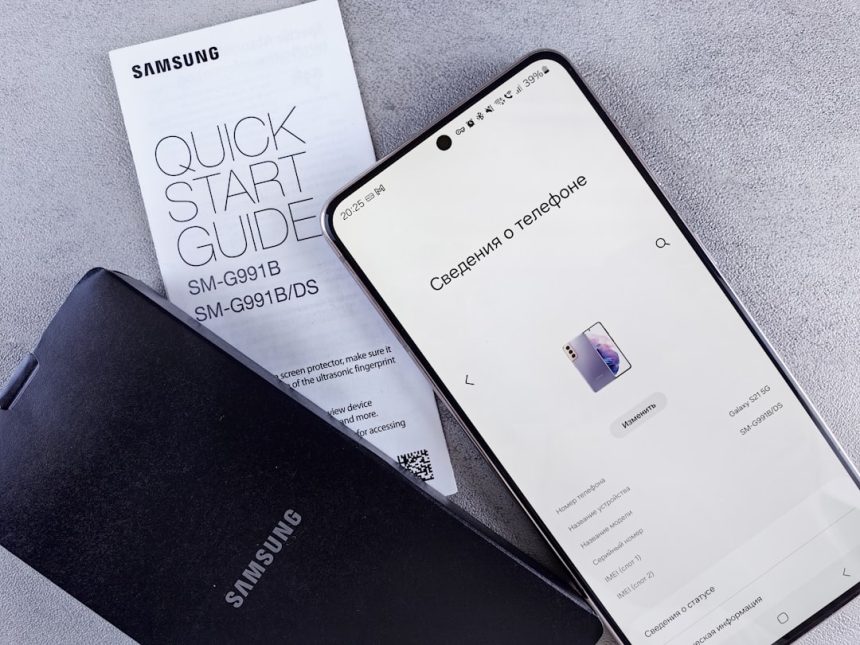
Samsung smartphones have always been packed with cutting-edge features, but their Galaxy AI tech is taking things to the next level. Whether you’re snapping selfies, translating languages in real-time, or writing messages with a little extra flair, Galaxy AI is there to help. If you’ve ever wondered what makes your Samsung device feel so smart, this article is for you!
TL;DR ⏱
Galaxy AI is Samsung’s smart assistant packed with cool features to make your phone easier, faster, and more fun to use. It helps you translate conversations, enhance photos, organize your life, and even edit videos. All this runs right on your device or through the cloud – whichever works best. If you have a recent Galaxy phone, chances are you’re using AI without even realizing it!
What is Galaxy AI?
Galaxy AI is Samsung’s built-in artificial intelligence system designed to enhance your smartphone experience. It uses machine learning to understand what you want, speed up tasks, and personalize your phone just for you.
The AI isn’t just one feature – it’s a whole collection of tools and tricks scattered across your phone to make everything smoother and smarter.
Top Features of Galaxy AI
Let’s explore the coolest Galaxy AI features you’ll find on Samsung devices:
1. Live Translate
Having trouble speaking another language? No worries! Galaxy AI can translate your phone calls and text messages in real time. Speak in English – it speaks back in Spanish or Korean or whatever language you choose.
- Real-time call translation
- Text message language swap
- On-device processing for better privacy
Ideal for travelers and international conversations!
2. Chat Assist
Ever wanted a little help sounding more professional (or fun) in your texts and emails? Galaxy AI has your back. Chat Assist adjusts the tone of your messages based on what you’re trying to say and who you’re saying it to.
- Choose tone: casual, polite, formal
- Helps with grammar and spelling
- Works with most messaging apps
3. Note Assist
Too many notes and not enough time? Galaxy AI will summarize your messy notes, organize them by topic, and make everything searchable. It turns chaos into calm.
- Summarizes long notes instantly
- Creates bullet points and titles
- Great for meetings or study sessions
4. Generative Edit
This is photo editing magic! Want to move stuff around in your pics or make things disappear? Galaxy AI makes it easy. Just circle what you don’t want, and it’s gone. You can also fill backgrounds or even shift objects around in the frame.
- Erase unwanted objects
- Move items around in the photo
- Add background with a single tap
Feels like Photoshop, but it’s built right into your phone!
5. Photo Assist
Photo Assist uses AI to analyze your pictures and suggest edits. It can fix lighting, sharpen focus, and even make photos look as if they were taken in perfect conditions.
- Auto-enhanced images
- Suggestions for cropping and lighting
- One-tap filters and effects

6. Circle to Search with Google
Get this: You can now circle anything on your screen, and Galaxy AI will find it online using Google. It’s like magic for shopping, searching, or just exploring something you’re curious about.
- See something cool? Circle it.
- AI finds more info instantly
- Works with images, videos, and text
No more switching apps or taking screenshots!
7. Interpreter Mode
This mode turns your phone into a real-time interpreter. Just open it, hold your phone between you and someone else, and it’ll show both sides of the conversation in your preferred languages.
- Knows multiple languages
- Splits the screen for each person
- Great for travel and business
8. Transcript Assist
Record a meeting, interview, or lecture, and let Galaxy AI transcribe and summarize it for you. No more typing while you’re trying to listen!
- Transcribes audio in real time
- Auto-punctuates and organizes text
- Summarizes key points
Perfect for professionals and students alike.
How It’s All Powered
Galaxy AI uses a combo of on-device and cloud-based processing. That means some features work even when you’re offline, while others need internet access to tap into Samsung’s smart servers.
This split-tech approach keeps your data safe and makes the phone faster depending on the task.
- On-device AI: Faster, more private
- Cloud AI: Big brain processing, more power
Which Devices Support Galaxy AI?
Most recent Samsung Galaxy phones and tablets support Galaxy AI. If you’ve got a Galaxy S24 series phone, you’re in for the full AI experience. Many of these features are also being rolled out to devices like the Galaxy S23, Galaxy Z Fold5, and even some Galaxy Tabs.
- Galaxy S24 / S24+ / S24 Ultra
- Galaxy S23 Series
- Galaxy Z Fold5 and Flip5
- Galaxy Tab S9 Series
If you’re not sure if your device has Galaxy AI, check the latest software updates or visit the Samsung website.
Why It Matters
Galaxy AI isn’t just a bunch of cool tricks – it’s about giving you superpowers right in your pocket. It saves time, boosts creativity, and makes your device more personal. Whether you’re working, traveling, or capturing memories, AI is working alongside you.
The Fun Factor
Let’s be honest – using Galaxy AI features is just plain fun. Rearranging photos, watching conversations translate in real time, and tapping out perfect emails without trying too hard… it’s like having a digital sidekick.
What’s Next?
Samsung is always adding new AI features with updates. Keep your eye out for features like:
- AI-powered video editing tools
- Voice-to-image drawing capabilities
- Even smarter Bixby assistants (yep, Bixby is still alive!)
The future of smartphones is smart – and it’s already in your hands.
Final Thoughts
Galaxy AI is more than just a tech buzzword. It’s your new digital helper living inside your Samsung phone. Easy to use, super helpful, and surprisingly fun, it makes everyday tasks better – and sometimes even magical.
So go ahead, explore your phone and say hello to the future with Galaxy AI.